Wavesteam
HomeAll case studiesBook a consultation

CASE STUDY · AI IMAGE ANALYSIS

AI Oral Image Analysis Mini Program: From Photo Upload to Returned Results

The client already had an oral-image analysis capability. We wrapped it in a WeChat mini program: users shoot or pick a photo, a business service calls the analysis API and writes back findings, and check records plus an admin console turn a single API into a product people can actually use.

WeChat mini programAI image analysisPhoto uploadResult displayCheck recordsAdmin console
Turn an AI capability into a productSee photo-to-result in action
Capture → Detect → Result
Upper anterior palatal view
AlignDetectWrite-back

WHY IT WAS NEEDED

The AI existed. What was missing was a simple product entry

The brief was precise: let a user submit one oral photo and receive an analysis. The product did not need a full clinical suite. It did need a path that stably connects the image, the request, and the result.

API only

User

No entry

POST /analyze

The call has nowhere to land

Product entry

The model lived behind an API, so users could not complete a check themselves

Without a mini program, submitting photos, waiting, and reading results depended on manual handoff. The capability could not be used—or operated—as a product.

Accuracy in the API does not matter if there is no entry.

Upload stateSubmitted?

Uploading / retry

Upload

If “upload one photo” has no status, users resubmit

Camera, album, preview, uploading, and failure all need visible feedback. Without it, people cannot tell whether the image reached analysis.

An unclear upload stops the flow at step one.

Check state
Send
Run
Done
Fail

Advance the same check, don’t just spin

Analysis state

Analysis is not instant, so the UI must wait and recover

Submitting, analyzing, done, and failed belong on the same check. The client cannot pretend a tap returns a finding.

An incomplete state machine cannot bind a result to this submission.

Retention

This result

Gone after reading

No history

Retention

If the session ends after the result, nobody can review photos or findings

Without check records, users cannot reopen history. Without an admin console, operations cannot query by user, time, or result.

A one-off response is not manageable check data.

Behind a short flow, the work is connecting capture, the analysis request, result handling, and durable check records.

HOW WE RETHINK IT

We shipped a runnable analysis product, not another demo screen

Calling an analysis API became a check a user can finish: the mini program captures and presents, the business service uploads, calls, and writes back, the analysis service stays independent, and admin only manages the data this product actually creates.

API only

  1. Users cannot submit a photo inside WeChat
  2. Requests and results move by hand
  3. Wait time has no visible state
  4. Photos and findings are not stored per check

A complete mini program

  1. Shoot or pick a photo and preview it
  2. Business service uploads and calls analysis
  3. Show submitting, analyzing, done, or failed
  4. Store the result for review and admin

API only

analyze(image) → json

No capture, wait, or review

A full check

Photo→Analyze→Result→Record

Users do not need to understand the analysis service. They need to photograph and submit.

WHAT WE BUILT

One mini program that connects capture, analysis, and presentation

Capabilities follow the real check path. If the analysis API changes later, the user path does not have to be rebuilt.

Capture

Preview & send

Bound to this check

01 Capture and upload

Users shoot or pick from the album, preview, then submit. The system handles selection, upload, status, and errors so it is clear whether the photo went through.

“Upload one photo” becomes a readable operation.

Image analysis
RegionWrite-back

02 Analysis integration

Images reach the analysis API through the business service. The client does not embed model logic; it submits and retrieves through product APIs so UX and the model stay decoupled.

The analysis service can change without redesigning the check.

Readable result
{ score, items[] }
Overview
Findings
Notes

03 Structured results

When analysis finishes, the result screen organizes overview, itemized findings, and notes. Multiple items are listed separately instead of stacked into one block.

API payloads become a page users can read.

Check history
Nov 20
Nov 18
Nov 12

04 Check records

Each submission binds the user, photo, timestamp, and findings. History turns a one-shot response into a queryable record.

Reading the result is not the end of the check.

Admin
UserPhotoResult
ASaved
BSaved
CSaved

05 Admin console

A companion console covers users, submitted photos, findings, and checks, with query and export. It does not run a clinical workflow; it manages this product’s data.

The mini program is for use. The console is for operations.

IF THIS SOUNDS FAMILIAR

If you already have an AI capability and still need a shippable entry

Image analysis, detection, or recognition that needs upload, invoke, display, and retention can follow this path.

Alignment

The model returns findings, but nobody can complete a check themselves?

Put capture, submit, and results in a WeChat mini program so the API becomes a check.

One check
Intake

Analysis takes time, and the screen can only spin or fail?

Keep submitting, analyzing, done, and failed on the same check record.

WeChat
Photo→Send→Result

The payload is raw fields users cannot read?

Shape an overview and itemized findings, with notes where they help.

Readable
Overview
Items
Next step

Operations need to match photos and findings by user and time?

Store checks and let admin query, inspect images, and export.

HOW IT WORKS

One check: a few steps from photo to result

The path is one check: open the mini program, start, capture or upload, submit, wait for analysis, read the result, and keep the record.

Oral image analysis mini program home
Check information form
Oral photo capture and upload
AI analysis result

Users do not need to understand how analysis works. They photograph and submit.

HOW IT IS BUILT

A clear image-analysis path: mini program, business service, analysis API, and admin

The engineering focus is embedding analysis in the user flow: the photo reaches the service, the finding maps to this check, async states are visible, and history stays linked.

Architecture

The WeChat mini program handles capture, upload, waiting, and display. The business service processes the image, calls analysis, shapes the result, and writes the check. The analysis service only analyzes. Admin reviews users, photos, findings, and records.

Client

WeChat mini program · Camera / album · Preview and submit · Status and result

Client

Business service

Image handling · Analysis API call · Result shaping · Check persistence

Business
Ingest
Call
Write

Analysis service

Receive image · Analyze · Return findings · Decoupled from UI

Images

Admin console

Users · Photo review · Findings and checks · Query and export

Analysis

Keywords

WeChat mini program developmentAI image analysisphoto uploadasync analysis statescheck recordsadmin console

WHAT SHIPPED

An analysis API became a live mini program product

Development is complete and the product is live. This lists the delivered scope. Call volumes and clinical metrics are not disclosed.

One session
step
In
step
Shot
step
AI
step
Read

A usable client

The WeChat mini program covers camera, album upload, preview, submit, analysis status, results, and history.

Analyzable
✓

A stable analysis hook

Upload, API call, result intake, and structuring run in the business service and bind to each check.

Report

Manageable check data

Admin can inspect users, submitted photos, findings, and checks, with basic query and export.

Swappable
→

A split that can grow

The analysis service stays independent of the mini program layer, so API changes do not force a new user path.

WHERE ELSE IT FITS

The same entry pattern fits other image-analysis capabilities

Any “image in, finding out” capability can reuse mini program, business service, and admin.

Oral and specialty checks

Intraoral photos, region findings, check history

Fit

Skin and appearance analysis

Photo upload, itemized results, history comparison

Fit

Inspection photography

On-site capture, async results, admin image review

Fit

Insurance and health services

Material upload, archived findings, export by user

Fit

Teams with an existing model

Wrap a live analysis API in a mini program, app, or web entry

Fit

NEXT STEP

You have an AI capability. Need it to become a real product?

The first step is often not retraining a model. It is connecting upload, the API call, result display, and retention inside a product people can use.

  • UploadCamera · album · status
  • Analysis callSubmit · wait · write-back
  • Result and recordsDisplay · history · admin

An API note or one sample result is enough to start the mini program path.

Talk through your AI product ideaSee more case studies

Related cases

More case studies

Other projects delivered by Wavesteam — AI, IoT, platform builds and enterprise software.

  • NXVAR Store · Branded retail platform

    NXVAR Store · Branded retail platform

    A branded retail mini program built around growth-led user journeys, with visualized outcomes for marketing and operations teams.

    Read the case study→
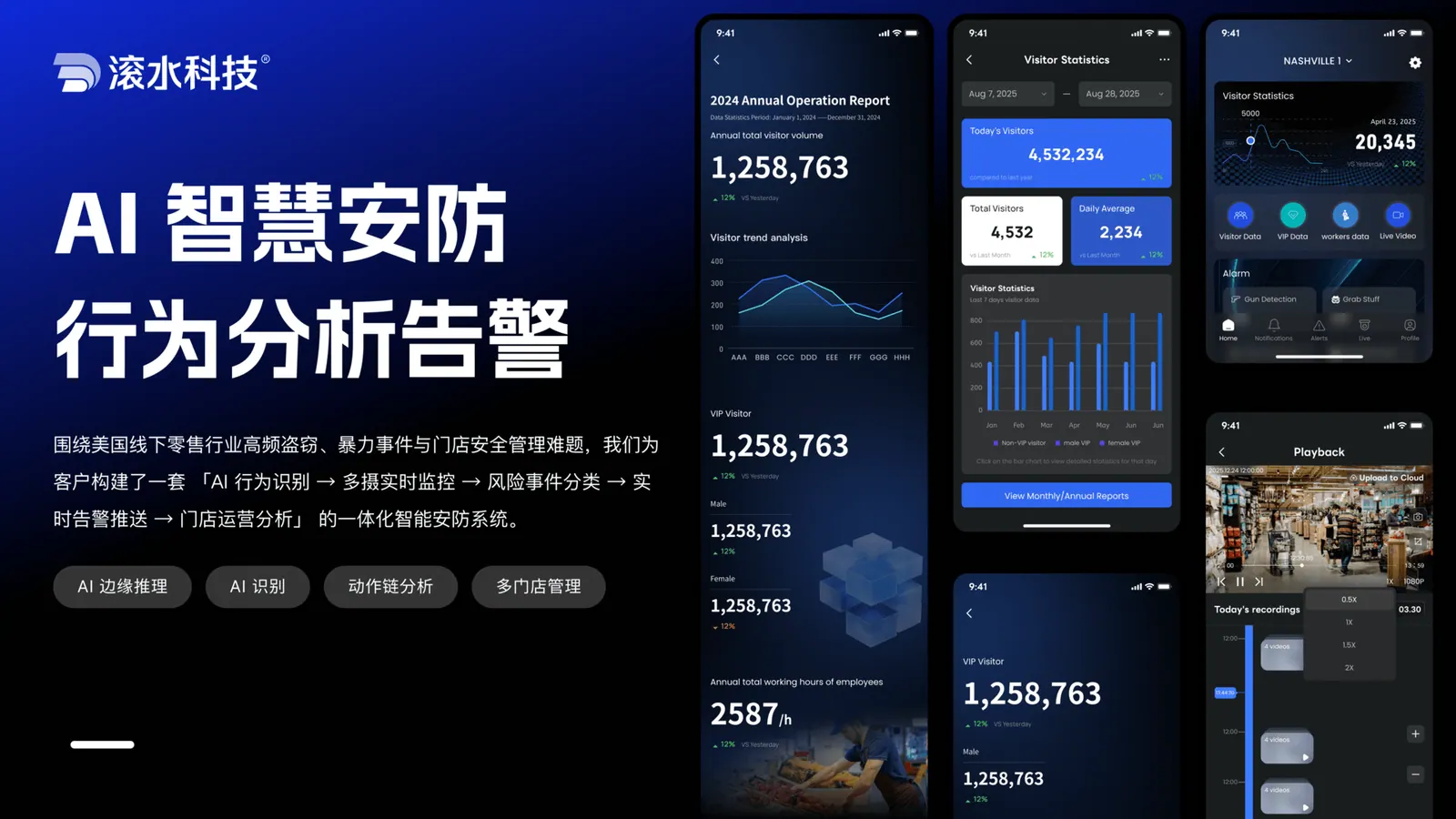
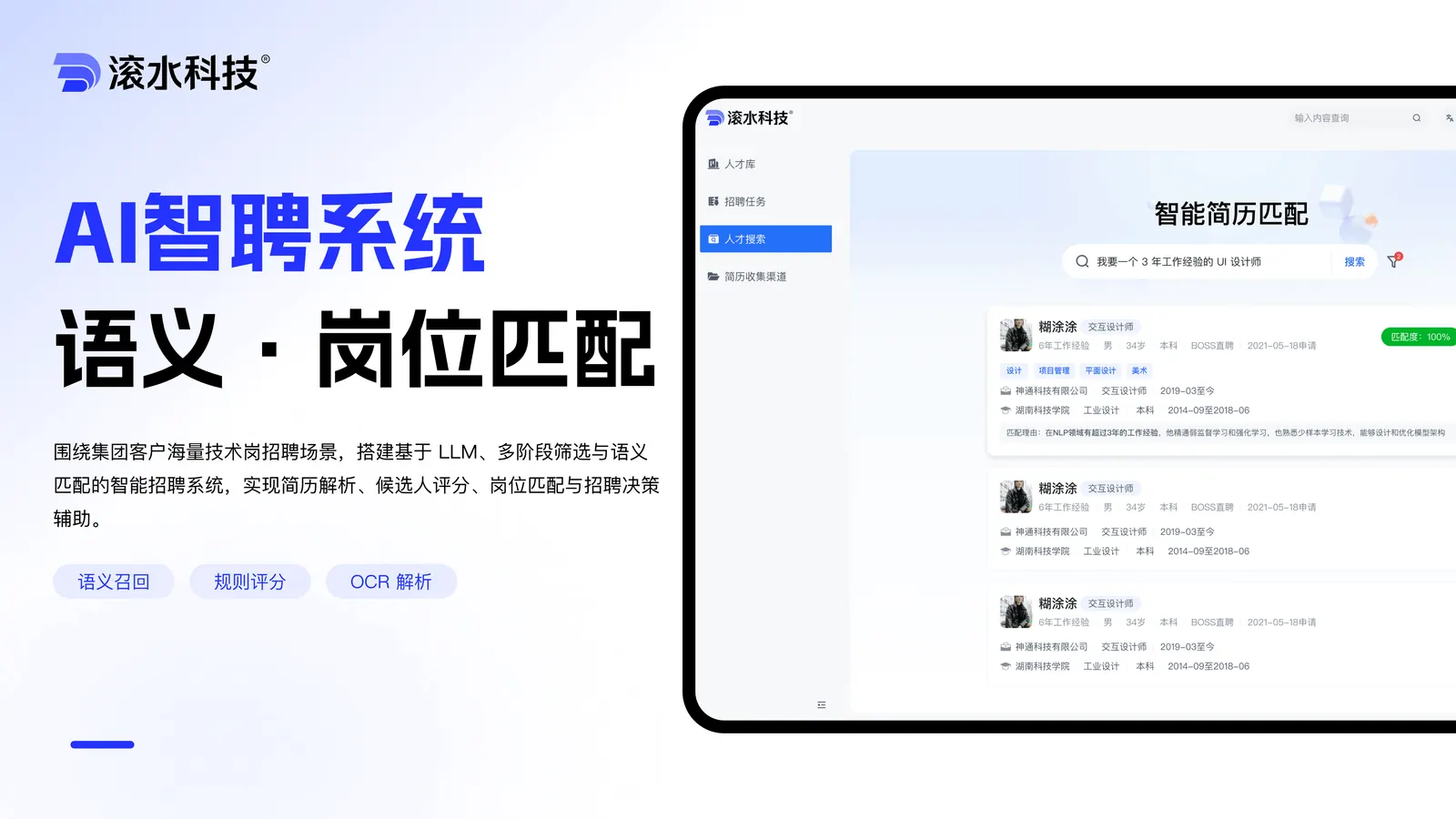
  • AI Recruiting System

    AI Recruiting System

    Systematized resume screening, talent search and pipeline analytics — built to cut manual triage and handover cost for in-house HR teams.

    Read the case study→
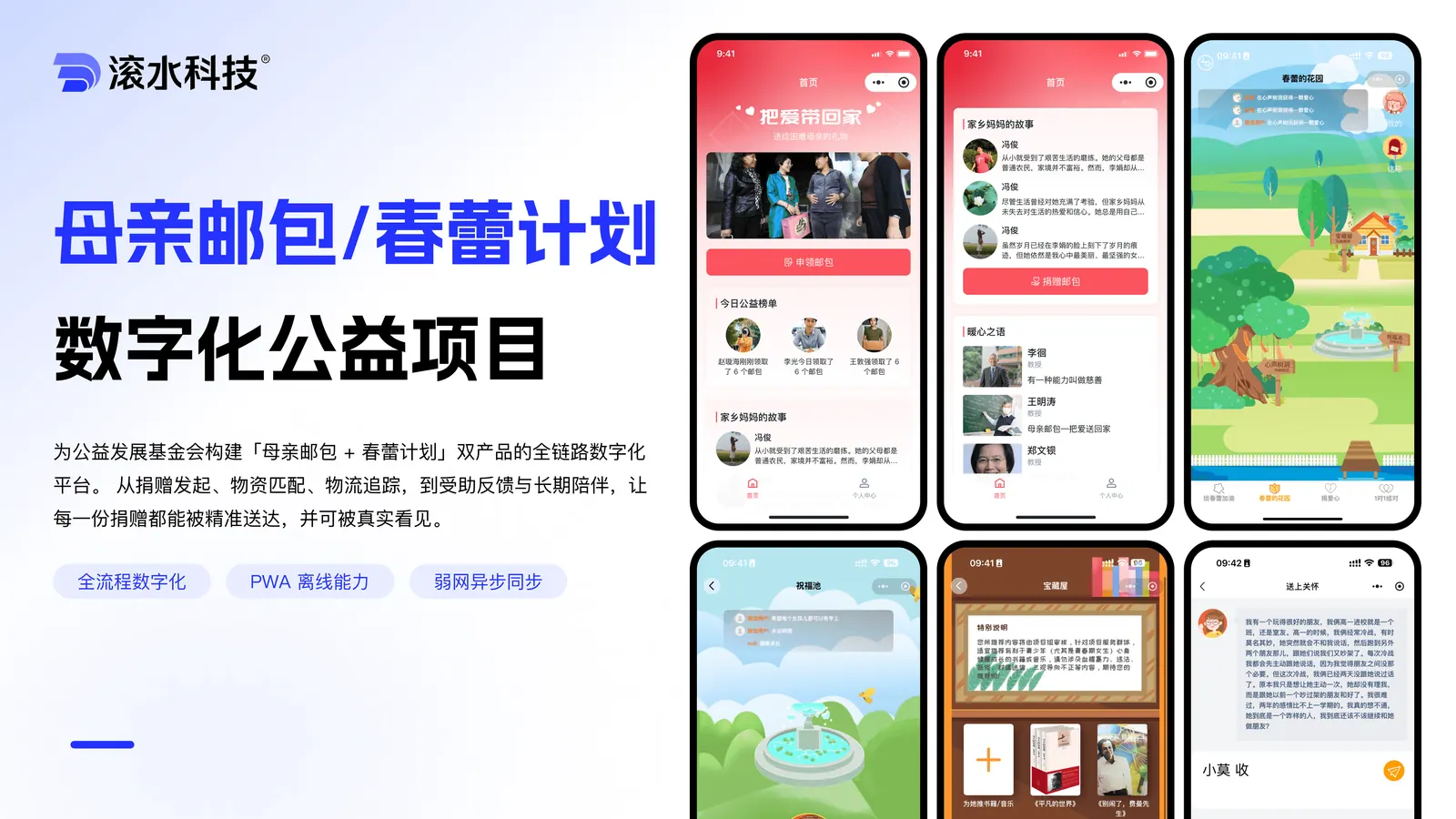
  • Charity & Donation Platform

    Charity & Donation Platform

    A donation and student-aid platform for non-profit organizations — platform architecture and user flows tailored to charity operations.

    Read the case study→
Engineering Delivery

Bring us a concreteengineering problem, and we’ll start with the systems, data, interfaces, and delivery constraints that shape the answer.

These projects usually involve business systems, device integration, AI workflows or multi-role back-offices. We assess feasibility against real delivery constraints and give recommendations close to the implementation stage.

Business email
contact@wavesteam.com
Office
10F, South Tower, Kingkey Yujing Times, Longgang District, Shenzhen

By submitting, you agree we'll use your information only for this consultation — never for unrelated marketing.

Wavesteam

Wavesteam ships production-grade AI software for B2B teams — mini programs, business systems, AI workflows, industry platforms and long-term engineering support.

Contact
© 2026 Wavesteam Technology. All rights reserved.
Email:contact@wavesteam.comOffice:10F, South Tower, Kingkey Yujing Times, Longgang District, Shenzhen