Clinic Supply Chain ERP
Connect clinic replenishment, purchasing, quality checks, batch inventory and reconciliation across locations.
Designed for
Clinic groups, central purchasing teams and distribution hubs
Follow every replenishment request through to the batch received.
Connect clinic replenishment, purchasing, quality checks, stock movements and reconciliation. Designed for organisations coordinating supplies across multiple locations, with optional production and outsourced manufacturing workflows.
A connected workflow
Connect clinic replenishment to batch traceability.
- 01
Request supplies
- 02
Purchase & inspect
- 03
Allocate batches
- 04
Receive & consume
- 05
Reconcile & trace
Proposed workflow. Organisational rules, stock locations and integration requirements define the implementation scope.
01 / Solution design
Give each handoff a shared record
Head office manages supply and policy. Clinics confirm demand and receipt. Both work from connected documents.
- Purchasing and planning
Consolidate requests and available stock into purchasing, transfer or production tasks. Track partial deliveries and outstanding demand.
- Warehouse and quality teams
Separate receipt from inspection and release. Confirm eligible batches, quantities and expiry dates before dispatch.
- Clinic workspace
Request supplies, track progress, record actual receipts, scan consumption and raise returns with supporting photos.
- Finance and operations
Reconcile by clinic, warehouse, region and currency. Trace summaries back to movements and investigate shortages or discrepancies.
02 / Solution design
Keep quantities, status and value connected
Batch records and business documents form the basis for day-to-day control.
- Master data and purchasing
Manage suppliers, items, packaging units, locations and regional prices. Link requests to quotes, purchase orders, receipts and returns; version unit conversions and pricing.
- Stock and expiry management
Distinguish physical, reserved, frozen, available and in-transit stock. Propose earlier-expiring batches first and record overrides. Adjust counts through approved transactions.
- Barcode traceability
Associate labels with items, batches and packaging levels. Follow receipts, transfers, dispatches and clinic deliveries from a batch record.
- Currencies and reconciliation
Retain transaction currency, accounting currency, rate and rounding rules. Rate updates do not rewrite posted transactions. Start with operational reconciliation and accounting exports.
- Approval and audit
Route approvals by organisation, amount and document type. Log releases, amendments and reversals. Retrying a notification must not repost stock.
- Optional manufacturing
Add versioned bills of materials, work orders, batch consumption, inspection of finished goods and subcontractor-held stock where production is part of the business.
03 / Solution design
Make exceptions part of the workflow
Keep unresolved quantities visible until an authorised action settles them.
- Partial deliveries
Split dispatches and receipts by line. Keep discrepancies in transit or under investigation, then resolve them through replacement, return or loss records.
- Quality incidents
Exclude held, failed or expired batches from normal allocation. Identify affected stock and destinations, with dispositions linked to inspection records.
- Corrections and retries
Reverse posted transactions rather than overwriting them. Deduplicate scans and external events; keep failed integrations available for investigation and retry.
04 / Solution design
Agree which system owns each business fact
Connect the supply chain to existing organisational, sales, approval and accounting systems.
- Access by responsibility
Scope access by organisation, clinic, warehouse and role. Control cost visibility and exports separately; revoke access when employees are deactivated.
- Sales and accounting interfaces
Agree the source of sales, consumption and returns. Exchange document and line identifiers, and confirm entity, account, currency and reconciliation mappings.
- Approvals and devices
Assess the chosen approval platform and test actual scanners, printers and labels. Offline operation requires a separate synchronisation design.
- Deployment and reliability
Use transactional stock records as the source of truth. Select hosting around access and data requirements; test backup restoration and monitor integration failures.
05 / Solution design
Prove the workflow before expanding the rollout
Pilot with representative stock locations and clinics before adding regions or optional modules.
- 01 Define scope
Document purchasing, inspection, returns and reconciliation rules, data definitions and interface responsibilities.
- 02 Validate critical paths
Review prototypes using anonymised documents. Test batch allocation, regional prices, permissions, approvals and devices.
- 03 Build and prepare data
Connect requests to receipts. Reconcile master data, opening stock and outstanding transactions before migration.
- 04 Pilot and hand over
Complete user acceptance, stock checks, restoration tests and training. Control posting during cutover and retain a rollback plan.
06 / Solution design
Test the records behind the interface
Agree representative cases and operating volumes before acceptance. Stock, access and financial integrity issues block release.
- Stock integrity
Opening balance plus movements must equal closing balance, including concurrent issues, duplicate scans and returns.
- Traceability
Locate a batch’s origin, current stock and destinations. Held batches cannot be dispatched through normal workflows.
- Amounts and integrations
Recalculate agreed currency examples. Repeated or delayed events must not create duplicate postings.
- Access and recovery
Test location isolation and sensitive fields. Restore a backup in the target environment and validate agreed peak volumes.
07 / Solution design
Choose the first release deliberately
Estimate delivery after confirming business rules, data and access to existing systems.
- Core scope
Replenishment, purchasing, quality checks, stock, batches, receipt and operational reconciliation. Assess manufacturing and complex accounting separately.
- Service boundaries
Clinical records, prescribing, diagnostic advice, insurance claims, statutory tax filing and payroll are outside the core supply-chain scope.
- Investment and handover
Separate design, development, integrations, migration, device testing and support from cloud and hardware charges. Agree source-code deliverables, deployment guides, API documentation and training.
Can we pilot with a few clinics?
Yes. Start with representative locations and the request-to-receipt workflow, retaining shared item definitions and transaction links for subsequent rollout.
Can the system run in our own environment?
Private deployment and source-code handover can be scoped. We first review the environment, ownership of operations and third-party licensing.
What should we bring to a scoping session?
Bring a location list, item catalogue, sample requests and reconciliations, interface documentation, device models and hosting requirements.
Related solutions
More Wavesteam solutions
AI, capital-markets docs, OCR, vision, IoT and membership operations — composable for your industry.
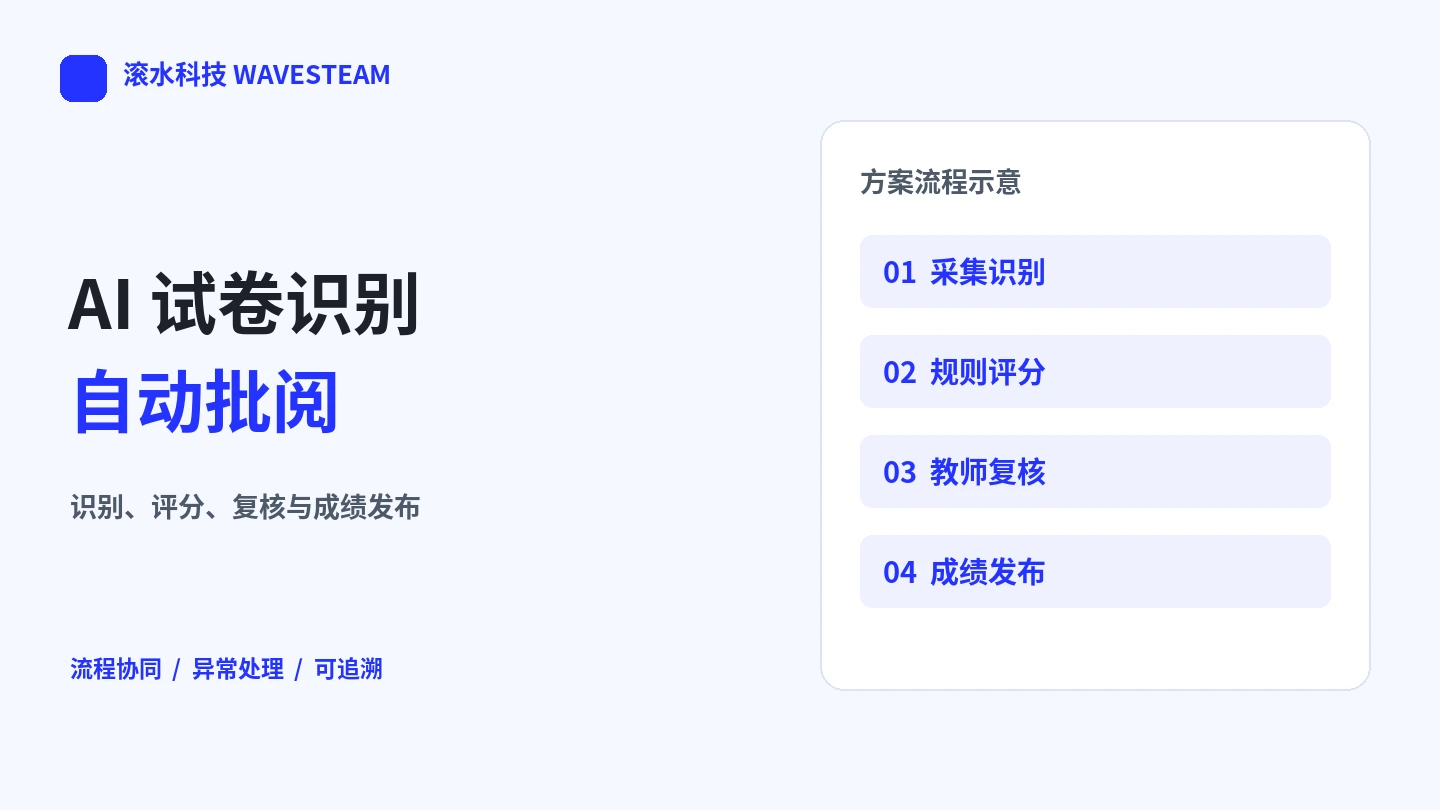
AI-Assisted Exam Grading
Bring fixed-template paper assessments into a traceable workflow for recognition, scoring, teacher review and results.
- Recognition
- Teacher review
- Results

Enterprise Knowledge Base RAG
Connect enterprise documents and business knowledge with source citations and access controls. Start with a model API, or deploy processing, retrieval, and inference on an appliance for fully internal use.
- AI
- RAG
- On-Premise
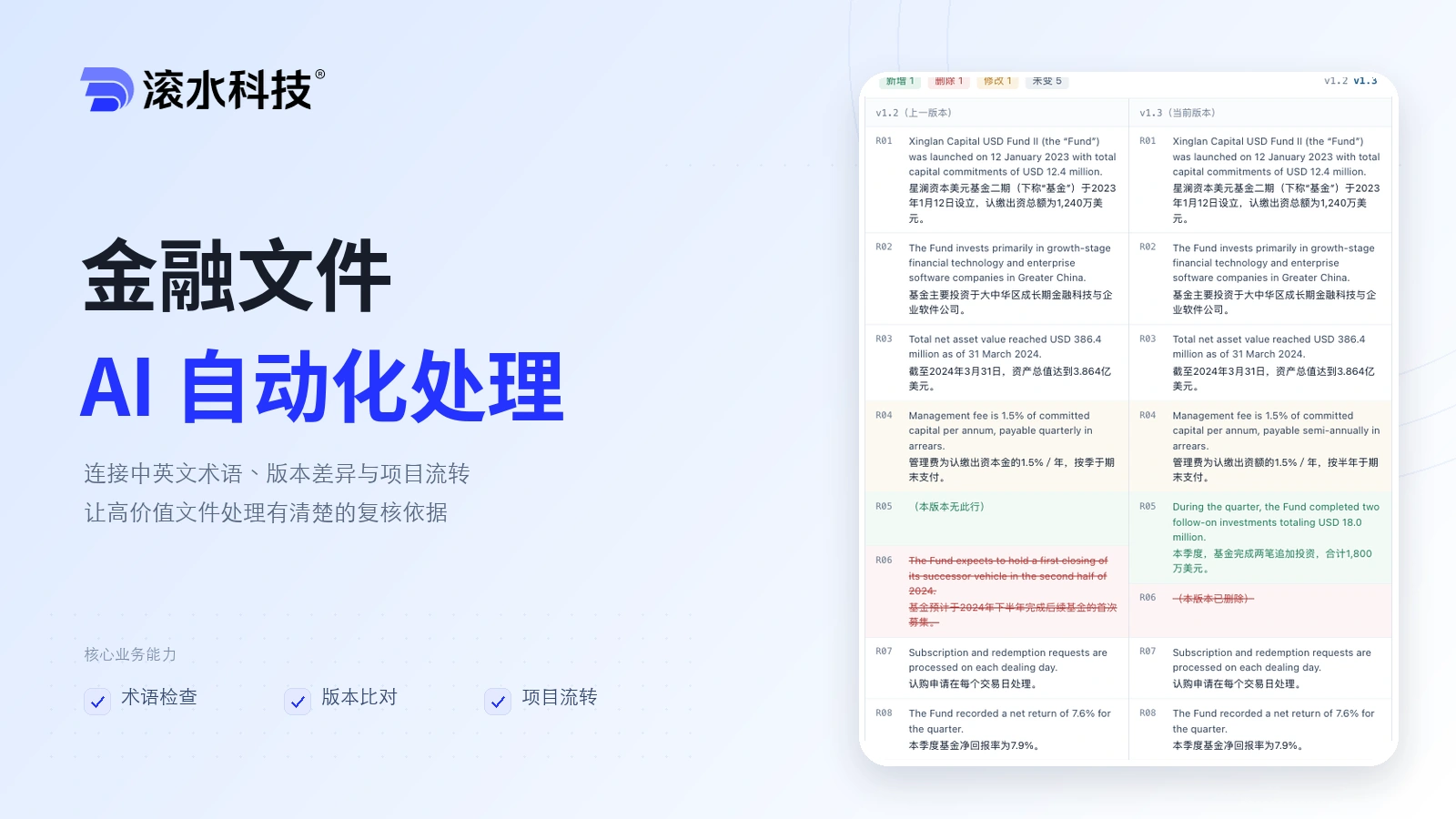
Capital Markets Doc AI
Connect terminology checks, version comparisons, human review and project handoffs for bilingual financial documents, with traceable decisions and review records.
- AI
- Capital Markets
- Automation