Complete the record before context fades
Create the visit, follow the relevant checklist and attach the right recording. Add observations manually, or use the manual-only route.
Connect field recordings, visit checklists, human review and accountable follow-up across trade shows, retail visits and customer meetings.
For international teams that need approved visit information to become shared business records.
At trade shows, retail visits and customer meetings, audio is an input. A useful business record also needs the right account, the missing context, a reviewed interpretation and an accountable next step.
UFI’s 2026 report describes exhibition activity using statistics and model estimates. It provides context for in-person engagement, rather than a market-size estimate for recording apps.
UFI · 2026Matched recording
Reviewed facts
Create the visit, follow the relevant checklist and attach the right recording. Add observations manually, or use the manual-only route.
Review confirmed team information, assign follow-up, track due work and retain reassignment and completion history.
Check device access, processing locations and service terms. Set rules for original files, permissions, exports and deletion.
Evaluate established products before investing in a custom business layer.
Capture → app file → transcript and summary → export
Official documentation describes local recording and subsequent transcription and summarization in the app. Consider it for individual recording and review needs.
Hardware and software services form the purchasing stack. Embedding device and transcription capabilities is a separate developer-access decision.
Useful pattern: treat capture, processing and output as separate stages.
Published developer documentation does not mean this project has access, or that personal-account tools support enterprise integration requirements.
Official documentationThese comparisons are based on official documentation, rather than logged-in product tests. Validate checklist, access and integration requirements with representative tasks.
The recorder, mobile app and team workspace have distinct responsibilities.
Turn an authorized conversation into a sourced, reviewed visit record with an accountable next step.
Record, stop, mark and retain. Validate actual behavior against the device and protocol.
Visit setup, checklists, attachment matching, transfer receipts, draft review and personal tasks.
Confirmed team records, assignments, reassignment and completion history. Personal drafts stay outside team results.
A visit ID connects recordings, source segments, review versions, tasks and audit events.
Set the account, scene, country, time zone and purpose. Follow applicable notice and authorization procedures, or choose manual notes.
Retain the original locally. Transfer with a stable file ID, verification and a receipt. Retries reuse the same identity.
Explicitly attach the file to the correct visit. Complete the observations and checklist. Receipt and business filing are separate states.
Check requirements, quantities, dates and commitments against source segments. Save the reviewer, time and confirmed version.
Only confirmed records become follow-up tasks. Set an owner and due time zone; retain reassignment and completion results.
Locally saved → waiting → retry → receipt. Reuse the file ID and require explicit visit matching before processing.
Apply a defined original-file retention policy rather than deleting on a transfer click.AI prepares a draft. People confirm the facts and the next action.
Authorized audio, the relevant visit checklist and known context. Keep translations linked to the original.
Structured fields linked to source segments and timestamps. Leave unsupported information empty.
A person checks quantities, requirements, dates and commitments. No automatic customer email or order creation.
Retain the input after a processing failure. Retry, correct the transcript or use manual entry.
A possible trial of 20 units, rather than a purchase order.
Quantity: 20, review required. Intent: trial.
Retain trial intent and assign an internal task to send the product sheet.
Use an authorized SDK or documented protocol. Test disconnects, verification, retries and background transfer. Without access, validate the business flow using legitimately exported audio.
Build an authorized evaluation set covering languages, noise, mixed speech, specialist terms and numbers. Confirm processing locations, costs and deletion terms before a PoC.
Begin with confirmed-record exports. CRM writeback requires entity mapping, permission, retry and conflict testing. Personal read-access tools do not establish enterprise write permissions.
Enforce tenant, team and role boundaries in production. Separate original audio, drafts and confirmed versions. Define retention, deletion and audit responsibilities.
The interactive prototype uses sample data and simulated devices, AI and notifications. Hardware, speech services, CRM and production access controls require separate validation. Assess GDPR applicability and local recording rules for European operations.
Validate the workflow with one team and a defined set of business tasks.
Group records by event, account and purpose. Review requests for materials, trial discussions and the next conversation after the show.
Configure event checklists and regional assignment rules.Use audio for discussion and manual fields for merchandising, channel and on-site observations. Confirm records by store and region.
Do not infer an observation from audio that does not contain it.Verify requirements and requested materials. Retain open questions and a traceable responsibility chain as work moves between people.
Plan CRM writeback after authorization and sandbox validation.Define required fields by visit type. Empty values are not successful information capture.
Evaluate a common timestamp and display local zones. Retain extensions and reassignments.
Measure field correctness and correction effort alongside time, rather than generation speed alone.
Include devices, SDK access, transcription, models, storage, operations, training and exit costs. Validate workload and adoption in a small pilot before expanding. Revenue or conversion improvement is not assumed.
Confirm device access, visit checklists, languages, recording notice, data locations and existing-system boundaries.
Use authorized samples to evaluate recovery, file receipts, key fields and manual fallback. Revise the approach when the evidence is weak.
Deliver visit setup, attachment matching, review, tasks and completion. Check permissions and audit records; supply interface and operating documentation.
Start with one team and one visit type. Compare baseline effort, completeness and user burden. Agree thresholds before extending devices, languages or integrations.
| Test case | Expected business outcome |
|---|---|
| Offline capture and interrupted transfer | Keep the original, retry with the same file ID, and explicitly match the received file to a visit. |
| Quantities, dates and commitments | Trace fields to source text, record human corrections, and preserve unknowns rather than infer an order. |
| Recording unavailable or processing fails | Complete the visit checklist manually and continue through review and an internal task. |
| Handover across regions | Retain an owner, local time zone and due time. After reassignment, the recipient records the outcome. |
| Private drafts and confirmed records | Expose confirmed versions to the team; verify export, access and agreed retention rules before launch. |
Often, no. Evaluate established devices first. Legitimate audio export can support an early business-flow pilot. Direct device integration requires protocol or SDK access and technical validation.
Extracted information remains a draft until a representative checks it. The initial scope excludes autonomous customer messages and order creation. CRM writeback needs separate permission and sandbox validation.
The design separates local capture, queued transfers and retries, subject to device validation. Manual checklists support visits where recording is not permitted.
Confirm devices, languages, data locations, integrations and pilot scale first. Then separate development from recurring service and maintenance costs, and agree delivery and acceptance criteria.
Bring your device model, visit checklist and target languages. We will help define the first scope worth validating.
Related solutions
AI, capital-markets docs, OCR, vision, IoT and membership operations — composable for your industry.
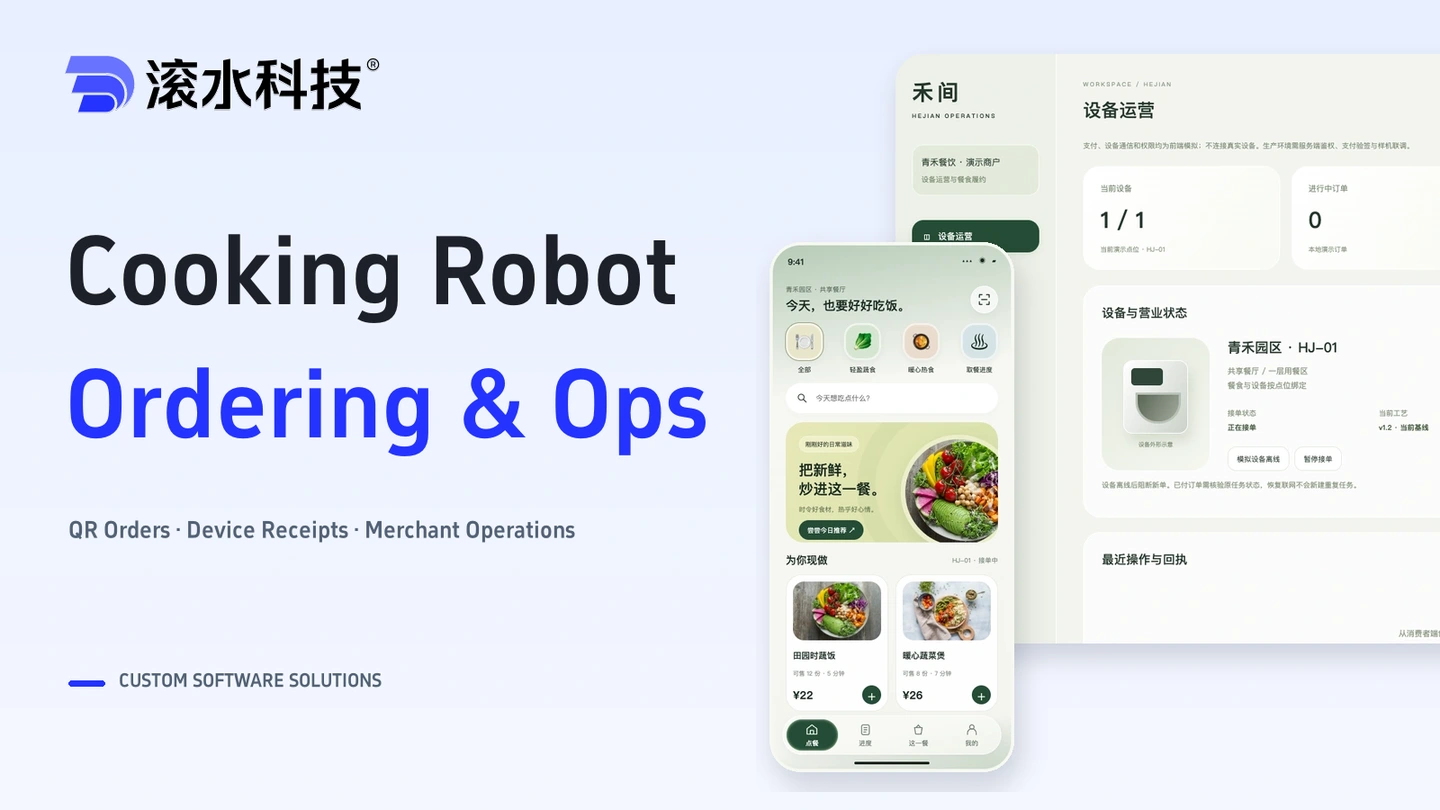
Connect meal ordering, stock reservations, payments and device receipts with merchant operations and exception handling.
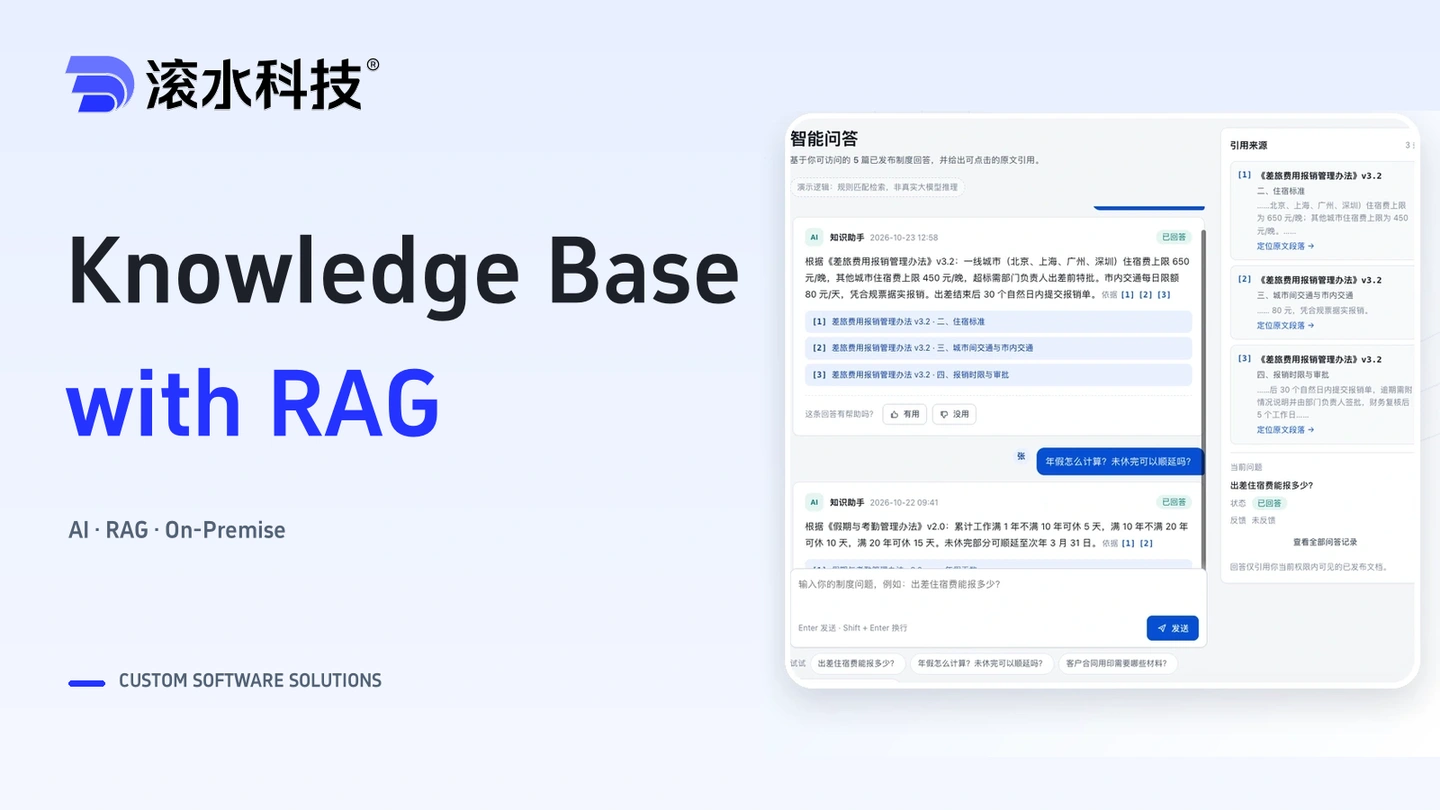
Connect enterprise documents and business knowledge with source citations and access controls. Start with a model API, or deploy processing, retrieval, and inference on an appliance for fully internal use.

Connect terminology checks, version comparisons, human review and project handoffs for bilingual financial documents, with traceable decisions and review records.