Understand the instruction
Watch the exact moment a coach references, practice with a clear objective, and share questions or completion notes.
Build a branded coaching service around training clips, actionable feedback, practice assignments and follow-up reviews. A coach workspace and focused athlete app keep each instruction connected to the footage and the next session.
Understand how athletes use feedback before investing in a branded platform.
The recording is only the beginning.
China’s national sports federation reported 5.0037 million sports facilities at the end of 2025. This is participation infrastructure, rather than a count of potential software buyers. The relevant opportunity is more specific: help an athlete understand a coach’s observation and carry it into a practice assignment that gets reviewed.
Best suited to organizations with established programs, coach relationships and follow-up services. A coach who only needs playback and drawing should evaluate existing subscriptions first.
Read the industry researchWatch the exact moment a coach references, practice with a clear objective, and share questions or completion notes.
Select relevant footage, record an observation and define what to practice. Retain the context for the next review or coach handover.
Organize feedback by athlete and session, assign review responsibilities and control access to authorized footage.
Compare specialist analysis and coaching workflows before choosing a product or a custom build.
Video libraries and playlists organize review. Coaches add comments and drawings, then share full recordings, playlists or individual clips with the team, keeping discussion connected to the same evidence.
Product selection follows organization types such as schools, clubs, colleges and professional teams. Confirm sport support, plans and data conditions for the intended deployment.
Official product informationAdopt source-linked feedback. This first release does not extend into recruitment, broadcasting or professional team statistics.
Product capabilities and licensing depend on the current version, plan and supported sport.
| Product | Organizing unit | Review mechanism | Purchase check |
|---|---|---|---|
| Hudl | Team / playlist | Comments, drawings and shared clips | Sport and organization plan |
| Dartfish | Sport / tagged event | Specialist tags, reports and footage | Tools, equipment and subscriptions |
| Onform | Coach / athlete workspace | Annotations, voiceovers and responses | Platform and sport capabilities |
Playback, drawing, voiceovers and sharing cover the workflow.
Verify plans, supported sports, platform differences and export options.The underlying tools fit; tags and practice templates need adapting.
Validate configuration limits and the training required for coaches.An existing app already manages courses and athlete relationships.
Check identity mapping, API rights, video costs and migration options.Specific program rules, coach handovers or data controls justify a distinct process.
Document those requirements before committing to development and maintenance.Use the training session to connect clips, observations, assignments and responses.
A review should lead somewhere.
Build around the training session, rather than a generic media library. Coaches own the sporting judgment; software connects the evidence, assignment, athlete response and follow-up. The first release serves existing coach–athlete relationships, with adult tennis training as the worked example.
Tie observations to an exact clip.
Publish a clear objective and instructions.
Review athlete responses and record the next step.
A desktop web workspace provides room for footage and a timeline. Coaches prepare drafts, publish feedback and accept or return submitted practice records.
A focused mobile experience presents published clips and the athlete’s own tasks. Choose an app or an existing mobile entry point according to the organization’s service model.
Shared service layer: sessions, clips, assignments, responses and access rules.
Choose footage, set the start and end time, and save a tag, observation and optional drawing with the source reference.
Block import and publication until permission is confirmed. Withdrawal must trigger the agreed access, retention and deletion process.
Manual review is the foundation. Introduce assisted note drafting only where it earns its place.
Manual clip selection and structured practice templates can deliver the core service. Optional AI assistance can reorganize a coach’s written observations into an editable draft. It does not independently determine technique quality, injury risk or a medical diagnosis.
Coaches review drafts before publication. Manual writing remains available when assistance fails. The demo uses local simulated note formatting and does not call a model or analyze the video.
Authorized uploads enter asynchronous transcoding. Store duration, clip boundaries and versions separately from annotations. Validate formats, sizes and interrupted uploads during the pilot.
Enforce organization, coach and athlete permissions on the server with expiring playback links. Record access and permission changes; agree on export, retention and deletion procedures.
Use authorized APIs to link sessions, athletes and coaches to existing systems. Budget separately for transcoding, storage and delivery; verify third-party licensing before integration.
Agree on responsibilities, evidence and acceptance criteria with a real coaching team.
Configure sport-specific tags for tennis, badminton and similar coached programs. Link the selected moment to a defined practice objective, with judgments made by the relevant coach.
Pilot one sport and a fixed coaching team before considering broader use.
Include selection, writing, publication and rework when comparing with the baseline.
Segment by program and coach. Distinguish an unseen instruction from an incomplete practice session.
Measure whether feedback receives follow-up; viewing activity alone is not a sporting outcome.
Investment should support a specific coaching service and its handovers. Validate time use, follow-up experience and service consistency in a pilot. Do not assume improvements in performance, renewals or revenue.
Confirm roles, objectives, footage permissions and current tools. Compare an existing product against the requirements for a branded workflow.
Implement the coach workspace, athlete experience, clips, assignments, responses, follow-up review and the agreed access controls.
Test invalid files, permission changes, returned tasks and duplicate actions. Set performance targets using representative samples before adding AI or course integrations.
If playback, drawing and sharing are sufficient, evaluate established tools first. A custom workflow becomes relevant when feedback, assignments and review must connect to your own programs and athlete relationships.
Coaches make those decisions in this first release. Assisted note drafting can be added after permission and sample validation. Automated pose assessment, injury prediction and technique scoring are outside the initial scope.
Start by checking your identity, course and video-service APIs and licensing. Retaining the existing athlete entry point often avoids unnecessary duplicate products.
Set rules for the actual data and jurisdiction. In China, processing personal information of children under fourteen requires guardian consent. Apply appropriate access, retention, withdrawal and deletion processes.
Try clip selection, notes, assignment publication, athlete responses and coach review. State is stored in the current browser. Role switching simulates handovers; production accounts, cloud video uploads and AI services are not connected.
Share your sport, program model, current review process and existing systems. We will help establish the workflow, integration requirements and acceptance criteria.
Related solutions
AI, capital-markets docs, OCR, vision, IoT and membership operations — composable for your industry.
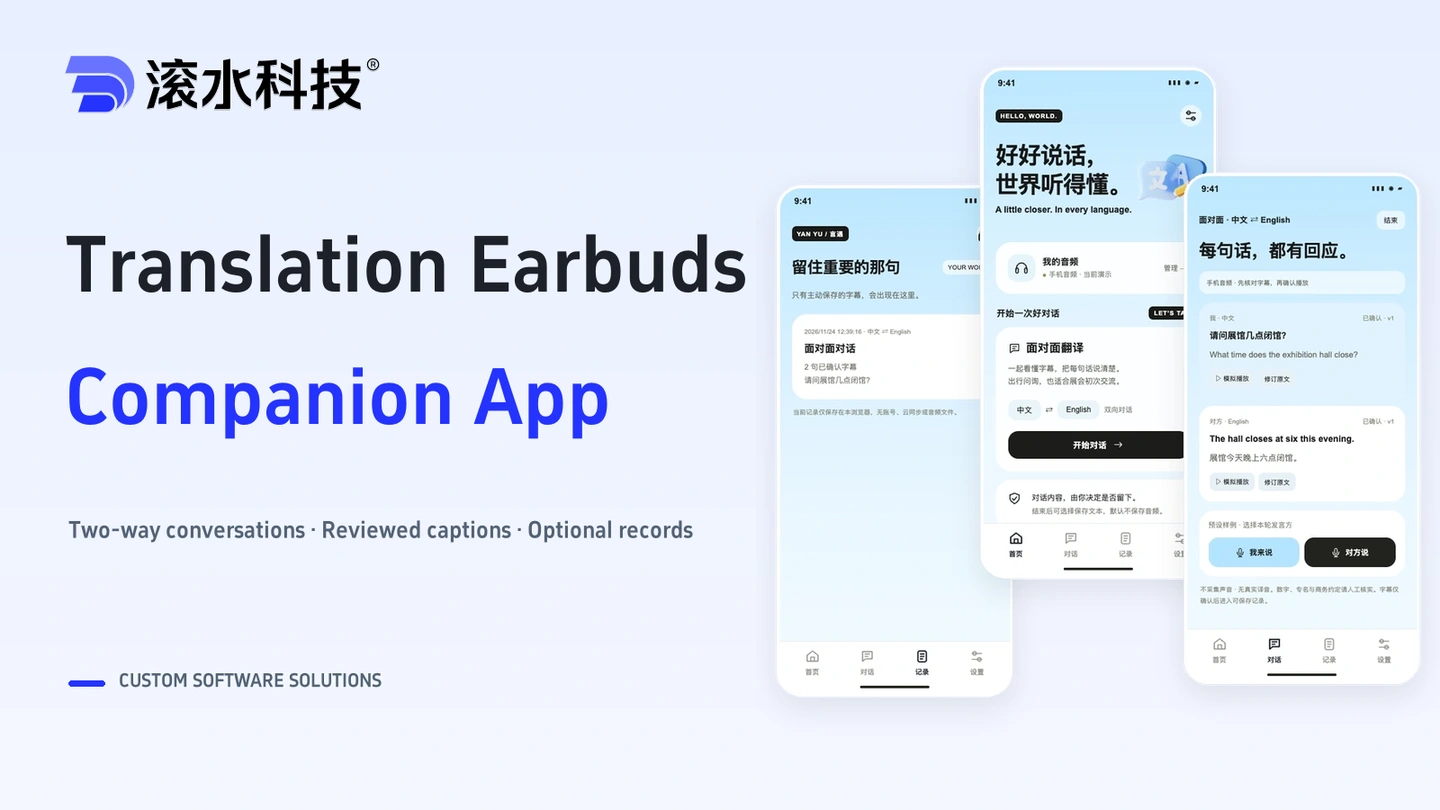
A branded companion app for turn-taking conversations, reviewed captions, clear audio routing and optional records.
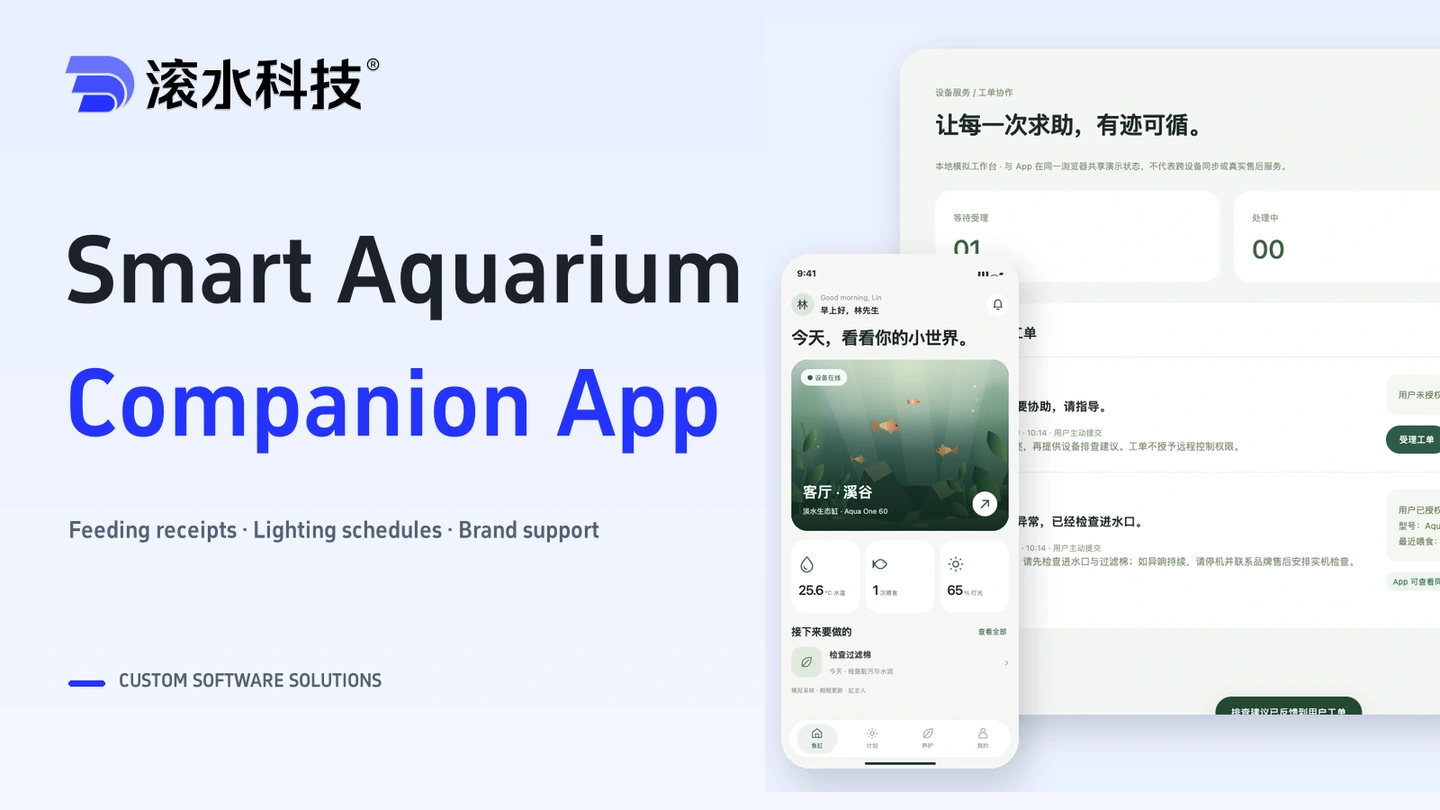
Connect device status, acknowledged feeding, lighting schedules, care records and consented support for aquarium equipment brands.
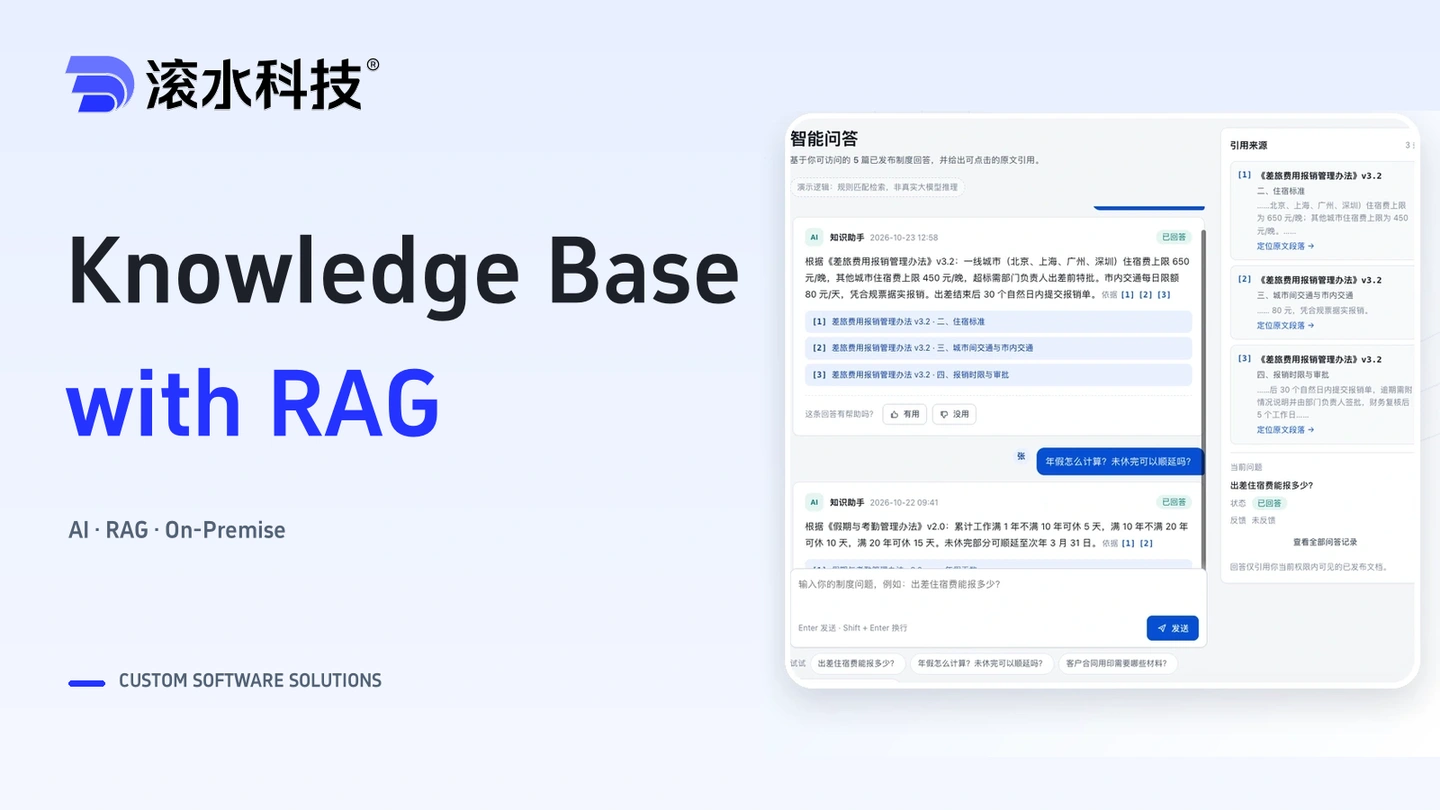
Connect enterprise documents and business knowledge with source citations and access controls. Start with a model API, or deploy processing, retrieval, and inference on an appliance for fully internal use.