At-Home Car Care App
For mobile wash, maintenance, and repair teams: booking, technician dispatch, service logs, payments, and ops dashboards—with a live interactive demo.
Who uses it
Owner, dispatch, and technician
A chat group holds a quiet day. Once dozens of visits move, a new address and a substitute technician stop matching.
Owner app
Book the vehicle, the window, and pay. Time, address, and whether the technician has left all live on that job.
Dispatch
Assign by district and who is free. A reassignment carries a reason, and the owner sees the new technician.
Technician
See only the assigned address and lines. Arrival, work, and add-ons stay on the job, priced before the work starts.
A normal day
Booking, reassignment, add-ons, and payment
Taking payment is the easy part. The hard part is a new time, a different technician, and a higher price that the owner and the shop still recognize as the same visit.
Booking
Register the vehicle and address, pick a service and window, pay the deposit, and see the current status.
Reassignment
When the first technician cannot go, switch people and keep a reason. The owner sees the new person, not the morning message.
Add-ons
Extra work changes the amount on the job before it starts. It is not quoted in chat.
Payment
The balance follows the confirmed lines. A complaint later opens this job.
What shops run into
Where reschedules, substitutes, and add-ons diverge
Volume is rarely lost at checkout. It is lost when the time changes, the technician changes, or extra work is added, and the owner and the shop are no longer looking at the same visit.
A reschedule that nobody sees
The owner moves the time or the address. The technician still leaves with the morning message and arrives to an empty driveway.
A substitute the owner never heard about
The first technician cannot go. The shop sends someone else. The owner is still waiting for the original person.
Extra work that will not reconcile
Oil or a wash gets added on site and paid in chat. At month end, nobody can say which visit that money belongs to.
One visit
One visit, from booking to payment
A new time, a different technician, or extra work on site updates this visit.
- 01
The owner books
Vehicle, service, and a window that can be served. The deposit is paid, and the status stays visible.
- 02
The shop assigns
Dispatch uses the district and who is free. Who went, and why someone was replaced, stays visible.
- 03
Time or person changes
After a reschedule or a substitute, the owner and the technician both see the latest plan.
- 04
Visit and payment
The technician leaves, arrives, and finishes. The balance follows the work confirmed on this visit.
What comes first
The first release covers a working day
Booking, assignment, reschedules, and payment go live first. Parts and memberships can wait.
Now
Districts and shifts, deposit and balance, reschedule and reassignment notices, technician accounts, services and prices.
Later
Parts inventory, stored value, coupons, and extra cities.
How you work today
Service areas, time slots, and how late an owner can reschedule follow the way your shop already runs.
After launch
How the day is run after launch
Morning
Clear unassigned jobs, missing addresses, and expired windows before technicians leave.
During the day
Reschedules, substitutes, and jobs that cannot be done stay on the original job.
Evening
Completed, cancelled, wasted trips, and balances are counted from the day's jobs.
Chat holds a small day. It stops matching the owner’s view once addresses, technicians, and prices change. The app and the dispatch desk exist so those three people read one job.
No. The demo shows one job. Launch replaces the name, cities, prices, payment, and notices.
Either works, but pick one for the first release. Assignment fits your own crew. Claiming fits outside partners. Running both at once makes reschedules diverge.
Owner booking and reschedule, dispatch assignment, on-site updates, deposit, and balance. Parts, memberships, and coupons can follow.
Related solutions
More Wavesteam solutions
AI, capital-markets docs, OCR, vision, IoT and membership operations — composable for your industry.
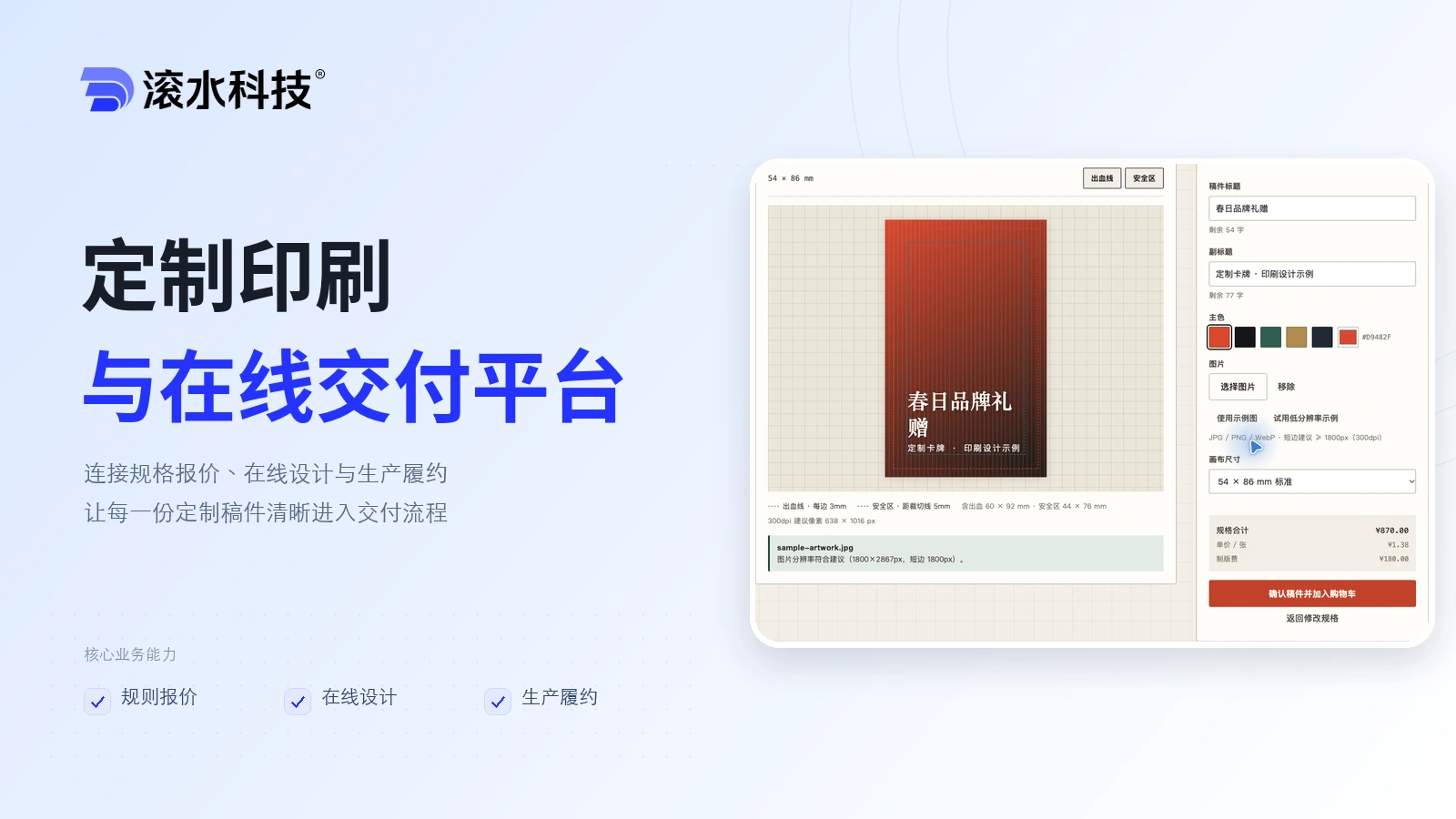
Custom Print Commerce Platform
Connect product configuration, rule-based pricing, artwork review, checkout, production, and fulfilment for made-to-order print products.
- Pricing rules
- Artwork
- Production
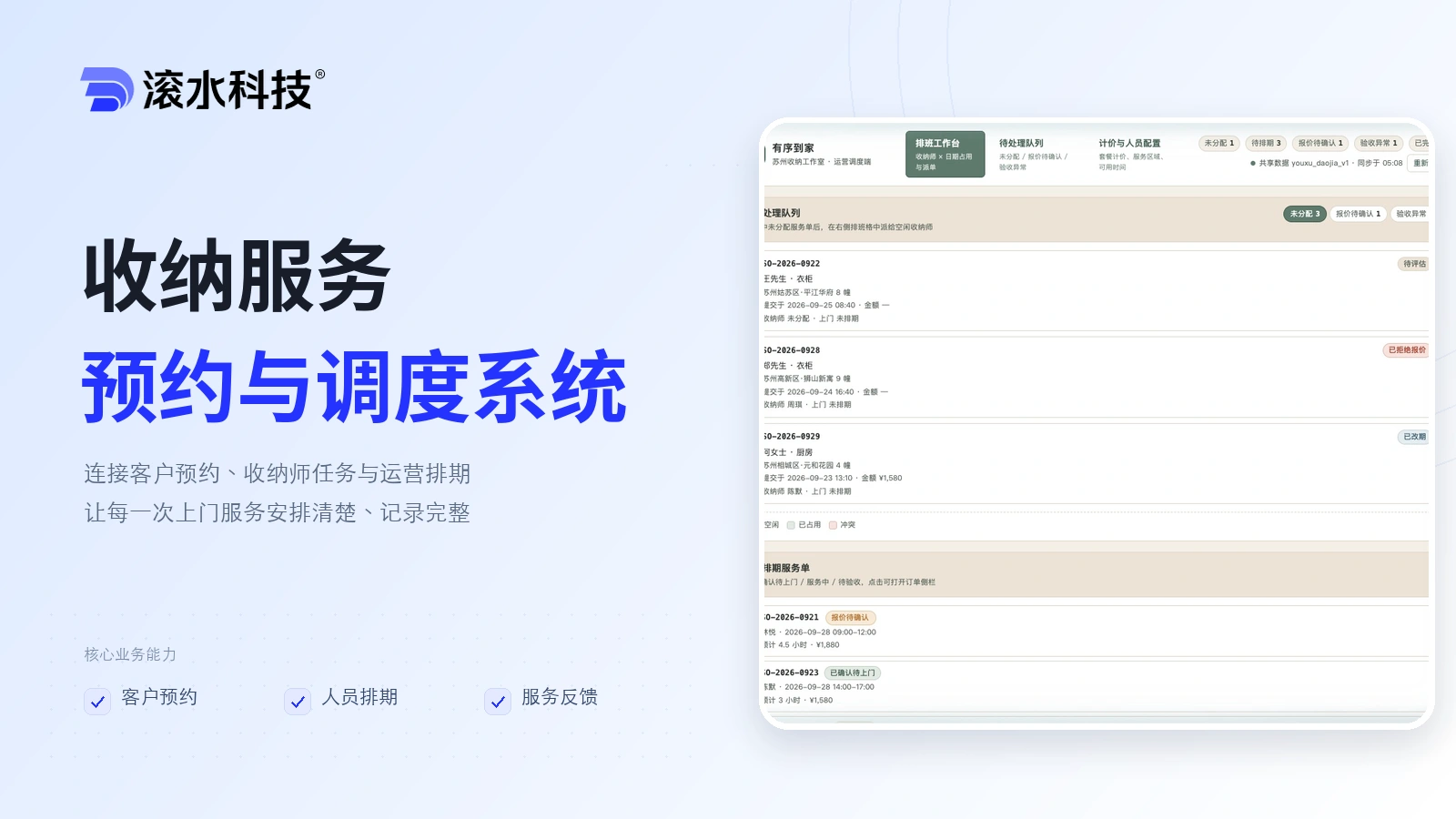
Home Organizing System
Connect client bookings, organizer assignments, and the operations schedule in one service workflow.
- Bookings and service assessment
- Scheduling and assignment
- Visit records and feedback
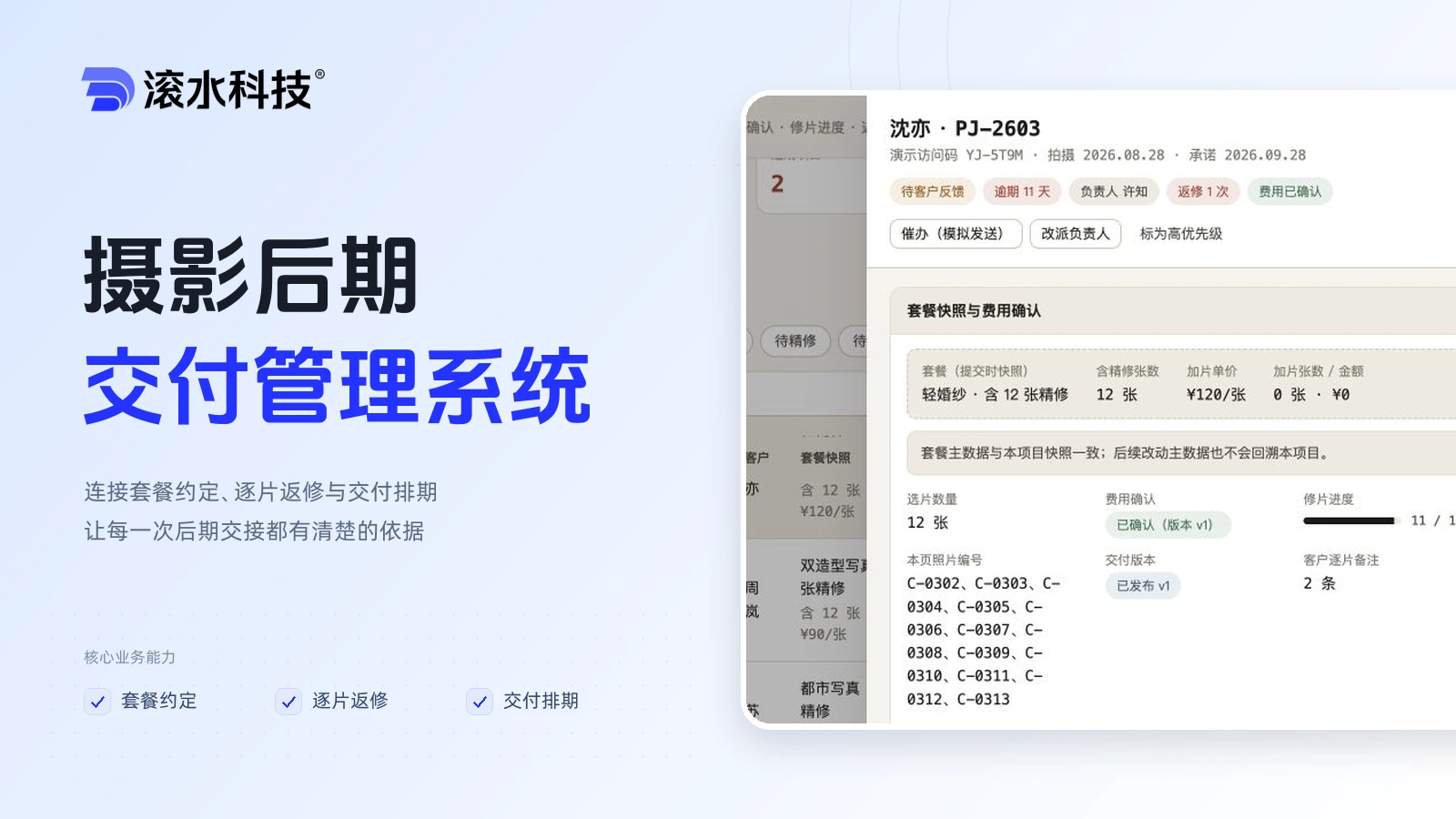
Photography Post-production Management
Keep package agreements, image-level revision requests and delivery schedules connected across your studio team.
- Package agreements
- Image revisions
- Delivery scheduling
If you have a concrete workflow AI hasn't solved yet, let's figure out the right approach together.
We unpack the workflow with you, judge whether AI is worth using and which approach makes the most sense, then come back within 5 business days with a practical initial plan and estimate.