Send deliberately. See where it arrived.
Choose specific photos and destinations, then see a result for each frame without granting access to an entire phone library.
A companion app proposal for connected frame brands. Bring family sharing, per-frame delivery receipts and device support into one coherent experience—from the first connection to everyday moments.
The sender chooses on a phone. The recipient enjoys photos at home. Design for both experiences.
The phone handles selection and sending; the frame provides an ongoing display. A brand companion experience connects setup, family access, delivery and support as one service.
Aura, Frameo and Nixplay demonstrate established approaches. Their presence supports the product category—not an assumption that every brand needs custom development.
Choose specific photos and destinations, then see a result for each frame without granting access to an entire phone library.
Keep everyday viewing on the frame. Offline display and cached content must match the actual device capabilities.
Use model, connectivity and delivery records to investigate issues, with user-approved diagnostics rather than routine access to personal media.
Established products already serve this market. Assess available software before commissioning a custom platform.
Choose a frame → add photos → invite family → manage activity and playback
Photos and family activity are organised around a frame. Cloud delivery connects selected media to the destination, with content and device settings in the same experience.
Hardware anchors an ongoing family-sharing experience supported by a companion app.
Learn from frame context, activity and content entry points.
Brand ecosystem access does not imply a white-label licence. Our owner/contributor distinction is a proposed design.
Official product sourceBased on official product documentation, without account or hardware testing. Reference mechanisms do not establish our integration with these products.
Model people, photos, devices and delivery records together, with clear ownership and recovery.
“Uploaded” and “received by the frame” are different events.
Select, caption, choose a destination
Authorise, track, grant media access
Receive content and report state
Assign rights per frame; handle invitation expiry, revocation and member removal separately.
Separate media from delivery jobs. A photo sent to two frames has two results.
Show the last-seen time and distinguish requested preferences from device-confirmed settings.
Preview and export diagnostics; define retention, unpairing and deletion responsibilities.
Use a system picker, add a caption and confirm which frames should receive the selected content.
Proposed sharing journeyCompare three delivery conditions. This illustrates the proposed receipt rules.
Device receipt does not establish that a person has viewed the photo.
Permissions, media delivery and device-reported state make the experience dependable.
Start with selection, cropping and clear rules.
Identifying people is not necessary to deliver a photo. Family media requires appropriate permissions and handling.
Any later organisation or writing assistance needs a defined data scope, user choice, cost and processing boundary.
Suggestions must not choose recipients for the user. Manual selection and sharing remain available without a model.
Manage originals, thumbnails, captions and destinations separately. Use time-limited media access and avoid personal image content in logs.
Give each destination a job identifier. Recognise completed work during retries and connectivity recovery.
The integration layer supplies availability, receipts and settings acknowledgements. A server queue is not proof of display.
Agree retention, deletion, account exit, guardian consent and regional handling. Device copies need an executable removal process.
Validate the critical path before expanding models, markets and operational commitments.
Connect setup, invitations and the first photo so the giver and recipient have a clear handover.
Validate device binding and access; do not assume private media may be preloaded.
Share across multiple frames while tracking permissions and delivery separately.
An offline destination does not invalidate another frame’s completed delivery.
Share media and membership services while exposing only the controls each model supports.
Model and firmware capabilities determine available actions.
Frames with a first receipt / newly bound frames
Agree the measurement window and failure categories before evaluating setup changes.
Duplicate deliveries / retried jobs
Verify against job identifiers and device receipts, not success messages alone.
Active frames, content intervals, resolution time
Measure family use and brand service separately; activity is not revenue.
Ownership includes media storage, delivery traffic, firmware cooperation, platform compatibility and ongoing support. Estimate actual volumes and retention before choosing a build route. Subscription revenue and fixed ROI are not assumed.
Provide authorised protocols, samples, firmware ownership and markets. Compare available software with the proposed custom scope.
Validate selection, processing, delivery and device receipt, including offline, retry, duplicate and storage errors.
Exercise expiry, revocation, per-frame rights, acknowledged playback settings and deletion across representative phones and networks.
Agree measures, source and interface deliverables, monitoring and support. Complete real device and cloud tests before product release.
The interaction demo uses simulated devices and local state to evaluate the journey. A production product requires authorised protocols, sample devices, cloud services and firmware integration.
No. First assess available software such as Frameo and the device supplier’s SDK, including licensing, compatibility and maintenance. Commission custom work for an identified gap.
No. Upload acceptance, device receipt, display and human viewing are separate events. Show only states supported by a reliable signal.
Device models, authorised protocol or SDK, samples, target markets, the existing app and family-access rules, plus the first journey you want to validate.
Share your frame models, protocol and product goals. Define a practical first release together.
Related solutions
AI, capital-markets docs, OCR, vision, IoT and membership operations — composable for your industry.
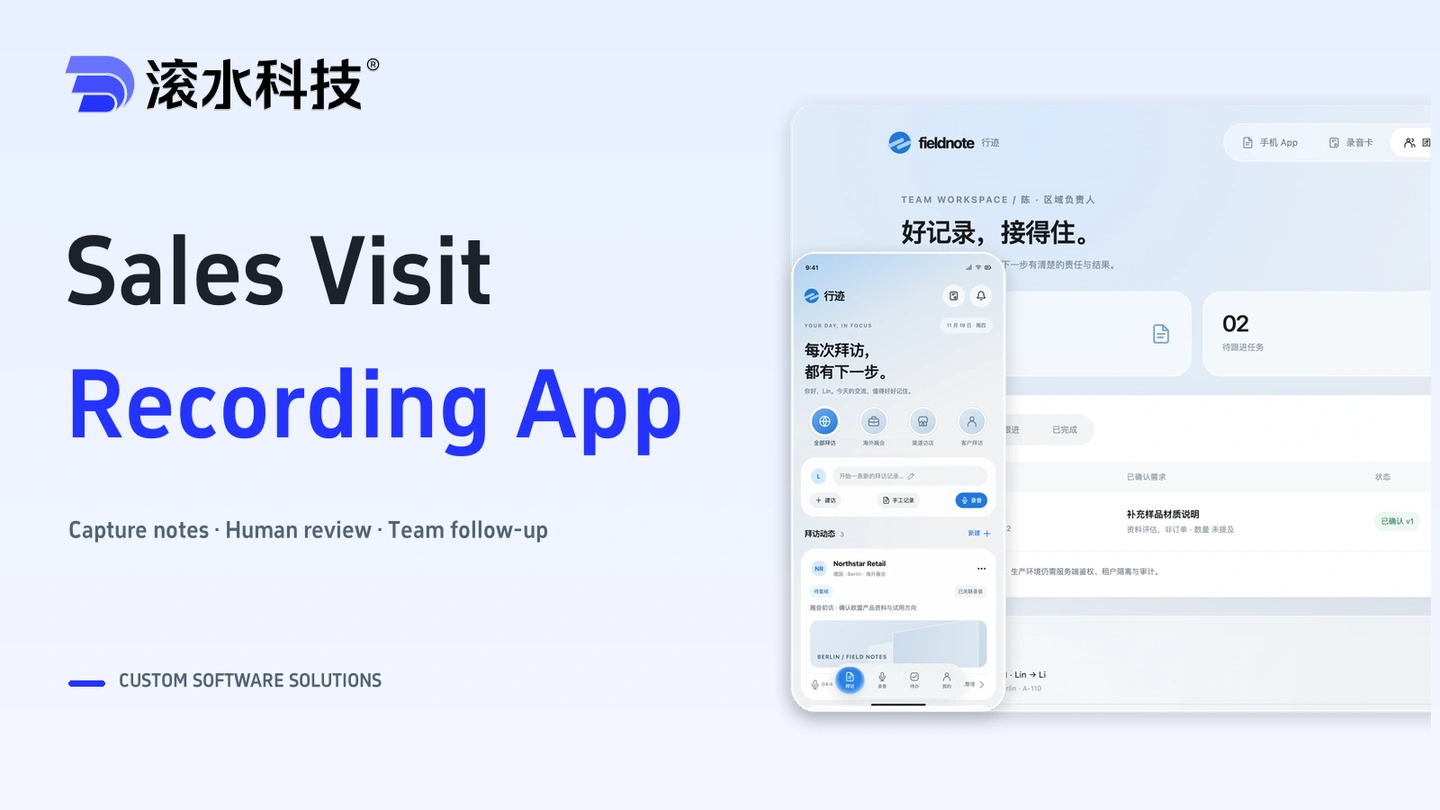
A custom app for capturing field visit recordings, reviewing notes and coordinating sales follow-up across trade shows, retail visits and customer meetings.
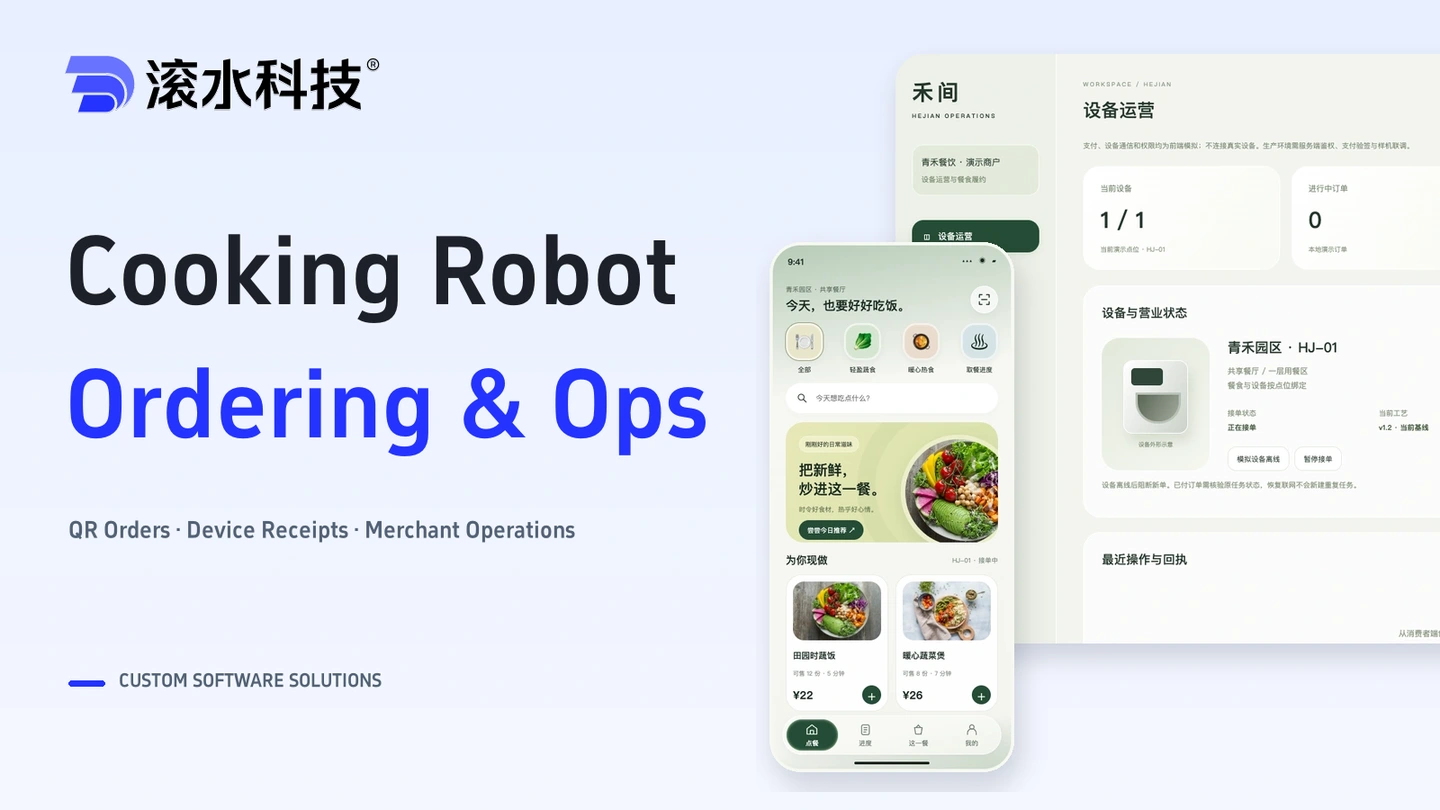
Connect meal ordering, stock reservations, payments and device receipts with merchant operations and exception handling.

Connect enterprise documents and business knowledge with source citations and access controls. Start with a model API, or deploy processing, retrieval, and inference on an appliance for fully internal use.